The demo is divided into different section as shown in the image below: All the sections is setup using the Block and Template that is bundled within the Gutenberg Blocks by Gutenify.
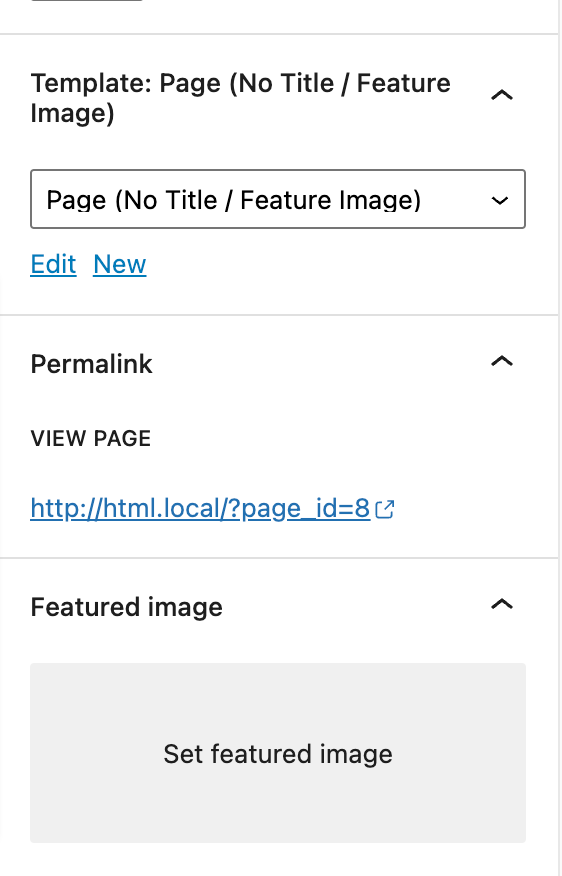
To set up as in the demo go to Admin panel > Pages > All Pages > Home . In home page edit screen at right side you will see a box Page Attribute . Within Page attribute you will find the option templates . Now chose Page (No Title / Feature Image) Template from the dropdown in the option template and save the page.