
Introduction
A “related post” is an article suggested to readers on a website or blog based on its relevance to the current article. It aims to provide additional information or insights that could interest the reader and encourage them to explore more content on the site.
Examples:
Below are various scenarios where and how related post can be effectively employed:
Layout 1
-
The Ultimate Guide: Adding a WordPress Favicon to Your Website
Read more: The Ultimate Guide: Adding a WordPress Favicon to Your WebsiteAdding a WordPress favicon to your website is so simple just Imagine browsing through numerous tabs in your web browser, searching for a specific website. Suddenly, your eyes are drawn to a distinct, eye-catching icon that represents the brand you’re looking for. That is the power of a favicon. Favicons not only enhance the visual…
-
How to Create a Multilingual Website on WordPress?
Read more: How to Create a Multilingual Website on WordPress?In today’s interconnected world, having a multilingual website can significantly expand your reach and engage a wider audience. Translating a WordPress site involves making the content of your website accessible to users in different languages. It allows you to reach a wider audience and engage with visitors from various regions. In this blog post, we…
-
A Comprehensive Guide on Creating a Child Theme in WordPress
Read more: A Comprehensive Guide on Creating a Child Theme in WordPressDo you want to know the method of creating a child theme In wordpress? So, you can modify your website’s theme without risking any changes to the original design. You’ve come to the right place. In this blog post, we will dive into the concept of creating a child theme in WordPress and discover how…
Layout 2
-
How to give Theme review on wordpress.org?
Read more: How to give Theme review on wordpress.org?Feedbacks are invaluable to both developers and potential users. To give a review on wordpress.org for a theme, you need to have an account on wordpress.org. If you want to create account in wordpress.org then please refer specific link. The following instructions are for users who are currently signed into their wordpress.org accounts. we are…
-
How to give plugin review on wordpress.org?
Read more: How to give plugin review on wordpress.org?This step-by-step guide will walk you through the process of giving a review on wordpress.org where all the feedbacks are invaluable to both developers and potential users. To give a review on wordpress.org for a plugin, you need to have an account on wordpress.org. If you want to create account in wordpress.org then please refer…
-
Get the Best Domain Names with Lean Domain Search
Read more: Get the Best Domain Names with Lean Domain SearchIn the vast digital expanse, your domain name is your brand’s first impression. But how do you navigate the challenge of finding a unique and memorable online identity? Imagine a tool that streamlines the process of finding the ideal domain name, making it not just easy but enjoyable. Enter Lean Domain, which helps to get…
Layout 3
Layout 4
-
Read more: How to give Theme review on wordpress.org?
Feedbacks are invaluable to both developers and potential users. To give a review on wordpress.org for a theme, you need to have an account on wordpress.org. If you want to create account in wordpress.org then please refer specific link. The following instructions are for users who are currently signed into their wordpress.org accounts. we are…
-
Read more: How to give plugin review on wordpress.org?
This step-by-step guide will walk you through the process of giving a review on wordpress.org where all the feedbacks are invaluable to both developers and potential users. To give a review on wordpress.org for a plugin, you need to have an account on wordpress.org. If you want to create account in wordpress.org then please refer…
-
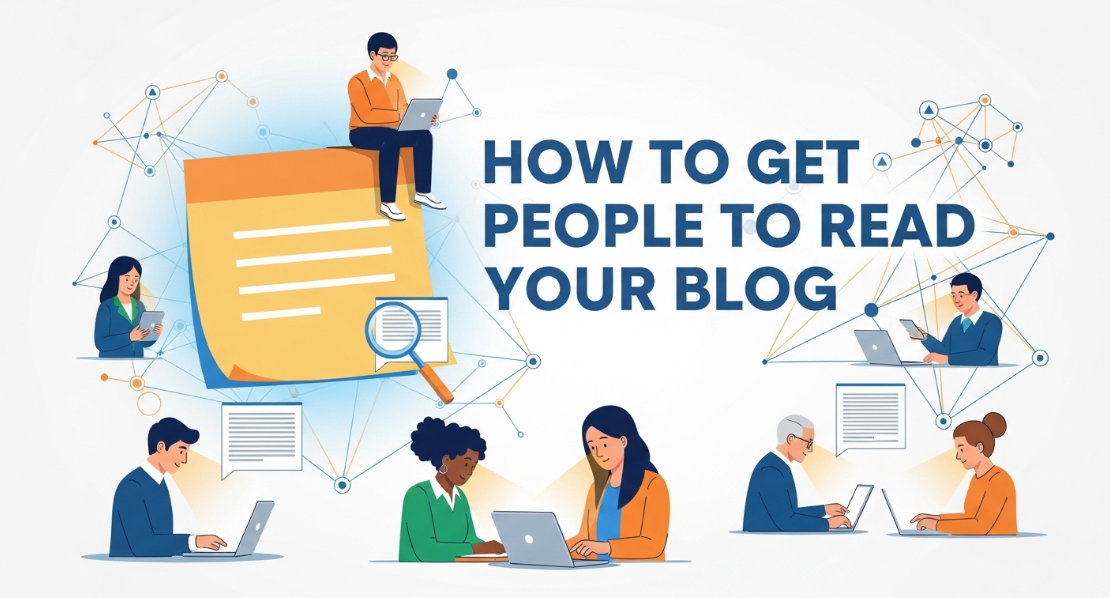 Read more: How to Get People to Read Your Blog: The Complete Data-Driven Strategy
You’ve spent hours researching, writing, and editing your blog post. You hit publish with excitement. Then… silence. Weeks pass, and you’re still waiting for people to read your blog. You’re not alone. According to recent data, 80% of readers only glance at your headline before moving on, and those who do venture further spend an…
Layout 5
-
Introduction to Blocks, Advanced Blocks from Gutenify
Read more: Introduction to Blocks, Advanced Blocks from GutenifyBlocks are just components for adding content in the new WordPress block editor. There are many different block types available for you to use. WordPress core has multiple basic blocks. But are those blocks enough? We Introduce Gutenify Blocks. Gutenify is a free plugin that offers multiple advanced blocks that are different from WordPress core blocks.…
-
Introduction to Templates
Read more: Introduction to TemplatesTemplates are in built section offered by Gutenify Plugins. Templates can be can be easily added on page/posts or you can also create your own templates too and add sections accordingly. There are different templates offered by Gutenify such as Pricing Table, Services, Team, Slider, Gallery Slider, Buttons, Star Rating and so on. You can…
-
Is SEO Dead in 2026?
Read more: Is SEO Dead in 2026?Every few years, marketers declare “SEO is dead.” And yet… billions of searches still happen every single day. So what’s actually going on? Is SEO truly dying, or are people just failing to keep up? Let’s break it down with real data, industry studies, and sharp analysis, not opinions. The Short Answer No, SEO is…
Advantage
- Increased Engagement: Related posts encourage visitors to stay longer on your site by offering additional relevant content they might find interesting.
- Enhanced User Experience: They provide readers with more valuable information on topics they’re already interested in, improving their overall browsing experience.
- Improved SEO: Related posts can help improve your website’s SEO by increasing internal linking and keeping visitors engaged, which can lower bounce rates and increase session duration.
- Promotion of Older Content: They bring renewed attention to older articles or posts that might still be relevant, extending the lifespan of your content.
- Higher Conversion Rates: By keeping visitors on your site longer and providing them with relevant content, related posts can contribute to higher conversion rates as visitors become more familiar with your offerings.