intro
-

Stylezen WooCommerce Theme Now Live on WooCommerce.com
Our full-site editing theme for fashion and lifestyle WooCommerce stores is headed to the WooCommerce.com marketplace — here is what ships in version 1.0.2.
-
7 Best WordPress Affiliate Plugins for 2026
Affiliate marketing is one of the easiest ways to grow your WordPress business, but only when the right affiliate tools are in place. We’ve seen many beginners install random WordPress affiliate plugins without understanding how they affect tracking, payouts or affiliate performance. This, in most of the cases, leads to confusion and poor results. Picking…
-

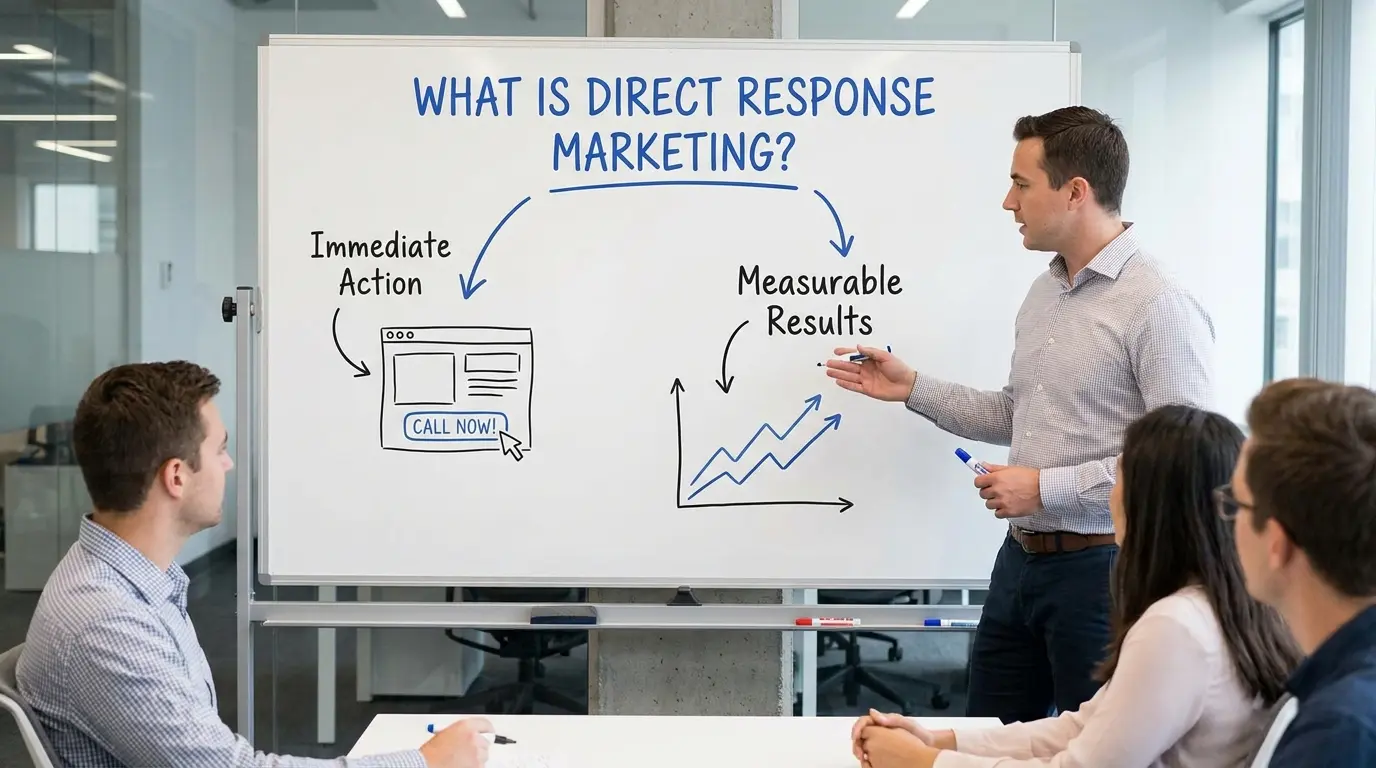
What Is Direct Response Marketing?
In today’s competitive digital world, businesses don’t just want attention, they want action. That’s where direct response marketing comes in. Unlike traditional advertising that focuses mainly on brand awareness, direct response marketing is designed to make people take immediate action. Whether it’s clicking a link, signing up for a newsletter, buying a product, or booking…
-
Is SEO Dead in 2026?
Every few years, marketers declare “SEO is dead.” And yet… billions of searches still happen every single day. So what’s actually going on? Is SEO truly dying, or are people just failing to keep up? Let’s break it down with real data, industry studies, and sharp analysis, not opinions. The Short Answer No, SEO is…
-

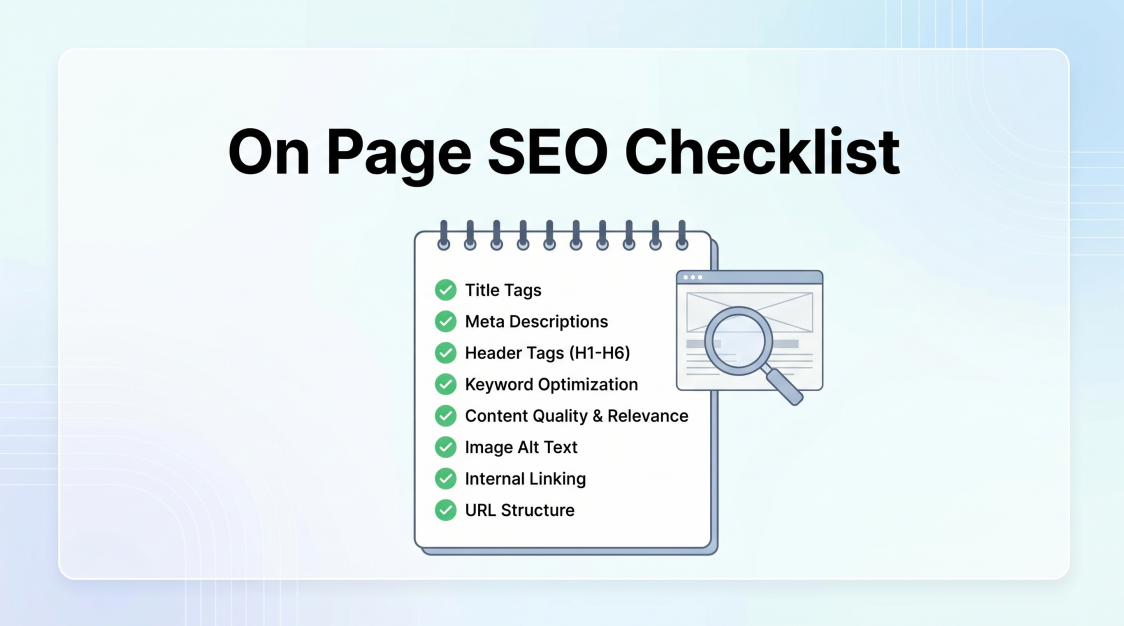
On Page SEO Checklist: Complete Guide to Ranking Higher
On page SEO Checklist is your single biggest lever for organic growth, and it’s entirely in your control. While off-page factors like backlinks require months of outreach, on-page improvements can move the needle within weeks. But in 2026, the rules have evolved. AI Overviews, zero-click searches, and Google’s smarter algorithms mean the old checklist of…
-

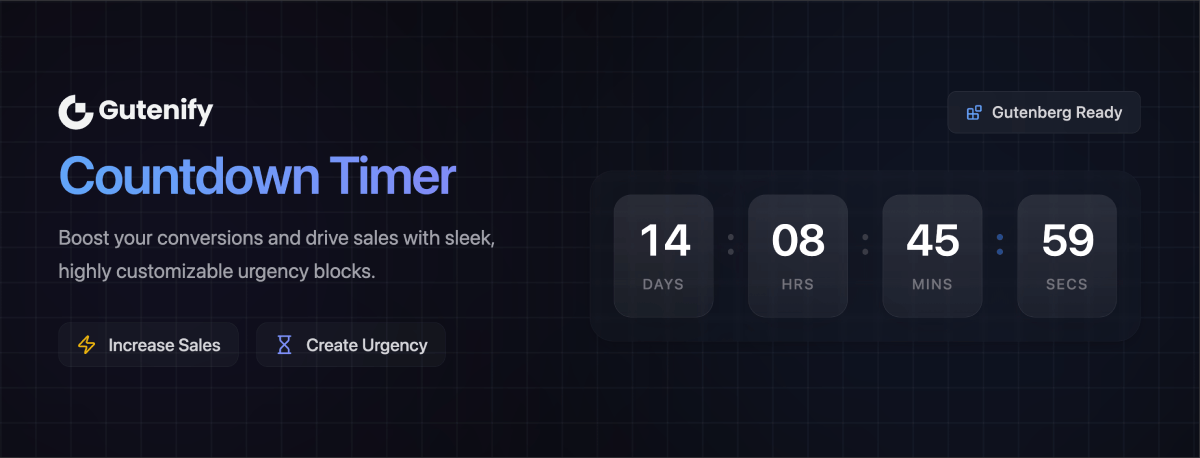
WordPress Countdown Timer for Conversions: The Ultimate Guide to Explosive Growth
💡 Why This Matters to You If you’ve ever felt like you’re getting traffic but not enough sales, this guide is for you. We don’t just show you how to add a clock to your site; we show you how to use a WordPress Countdown Timer for Conversions to turn hesitant visitors into loyal customers.…
-

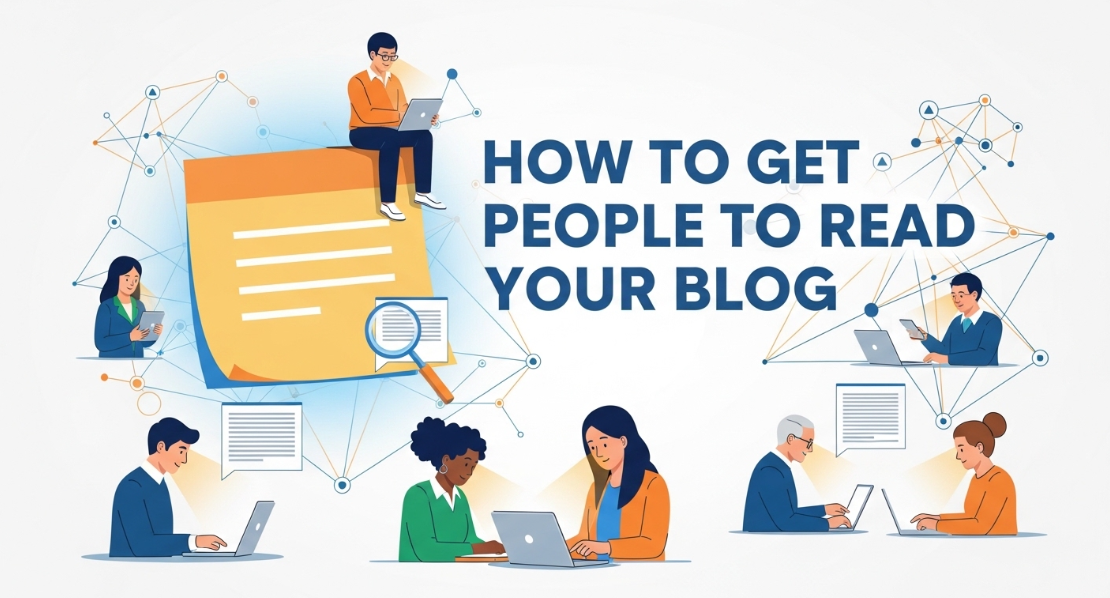
How to Get People to Read Your Blog: The Complete Data-Driven Strategy
You’ve spent hours researching, writing, and editing your blog post. You hit publish with excitement. Then… silence. Weeks pass, and you’re still waiting for people to read your blog. You’re not alone. According to recent data, 80% of readers only glance at your headline before moving on, and those who do venture further spend an…
-

Search Engine Positioning SEO – Dominate Rankings
Search engine positioning SEO is no longer just about ranking on Google, it’s about owning the digital shelf and capturing the attention of both human searchers and AI-powered algorithms. In 2026, the landscape has shifted dramatically. What worked five years ago is now obsolete, and what works today will require refinement tomorrow. Search engine positioning…