
Introduction
A “related post” is an article suggested to readers on a website or blog based on its relevance to the current article. It aims to provide additional information or insights that could interest the reader and encourage them to explore more content on the site.
Examples:
Below are various scenarios where and how related post can be effectively employed:
Layout 1
-
How can you create a Staging Site for WordPress?(4 easy steps)
Read more: How can you create a Staging Site for WordPress?(4 easy steps)Have you ever tried out something new like a new plugin or code snippet? After that, unfortunately, you didn’t find anything except a blank page. Then a staging site for WordPress is the best solution for this problem. I am sure you don’t want to take any risks during operating your WordPress site. Trying out…
-
Optimize Your SEO: Ultimate Schema Markup Generator Tools
Read more: Optimize Your SEO: Ultimate Schema Markup Generator ToolsIn the ever-evolving landscape of search engine optimization (SEO), staying ahead of the curve is crucial for online success. One powerful tool that can significantly enhance your SEO efforts is the Schema Markup Generator. By implementing schema markup, you can provide search engines with detailed information about your content, leading to rich snippets and enhanced…
-
How to Optimize Images for SEO – Useful Guide
Read more: How to Optimize Images for SEO – Useful GuideAccording to a survey conducted by Google, businesses with photos featured in their organic or local search results are 90% more likely to attract purchases from consumers. Google also looks at more than 200 factors while ranking sites in the SERPs because it’s about ensuring your site’s performance if it aligns better with user expectations.…
Layout 2
-
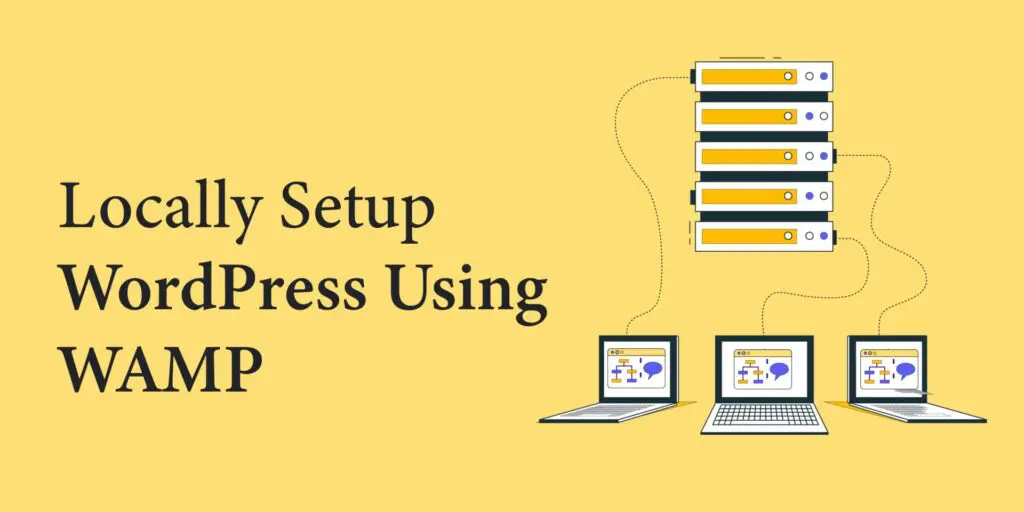
7 Easy Steps to Locally Setup WordPress Using WAMP
Read more: 7 Easy Steps to Locally Setup WordPress Using WAMPAre you ready to locally setup WordPress using WAMP to unleash your creative potential? Look no further than WAMP! The perfect software solution with It’s powerful combination of Windows, Apache, MySQL, and PHP. This provides an optimal environment for WordPress developers and enthusiasts to check and create custom new themes, plugins, or any new feature…
-
Locally Setup WordPress Using Local by Flywheel
Read more: Locally Setup WordPress Using Local by FlywheelAre you looking to learn how to locally setup WordPress using Local by Flywheel? In this blog post, we will explore setting up a WordPress website on your local machine using the powerful Local by Flywheel tool. Whether you’re a beginner wanting to experiment with WordPress development or an experienced developer looking for a reliable…
-
Learn about WordPress Post, Pages, and other Post Types
Read more: Learn about WordPress Post, Pages, and other Post TypesWordPress, undoubtedly one of the most popular content management systems (CMS), powers millions of websites across the internet. Whether you’re a seasoned blogger, a small business owner, or an aspiring content creator, understanding the various elements within WordPress is crucial for maximizing its potential. Among these elements, WordPress post types play a fundamental role in…
Layout 3
Layout 4
-
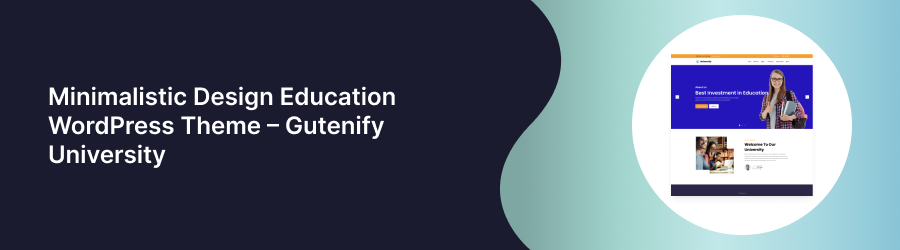 Read more: Minimalistic Design Education WordPress Theme – Gutenify University
Looking for a Clean, Minimalistic, Easy to use theme with plethora of options, well you have landed into the right place. We present to you – Gutenify University. Gutenify University is built with a simple purpose, i.e. to provide an exceptionally easy website building scheme for our users associated with Education sector. Utilizing the Full…
-
Read more: Locally Setup WordPress Using Local by Flywheel
Are you looking to learn how to locally setup WordPress using Local by Flywheel? In this blog post, we will explore setting up a WordPress website on your local machine using the powerful Local by Flywheel tool. Whether you’re a beginner wanting to experiment with WordPress development or an experienced developer looking for a reliable…
-
 Read more: Learn Different Ways to Install WordPress Plugins
There are different ways to install WordPress plugins, it’s like adding superpowers to your website, allowing you to customize, optimize, and expand its functionality with ease. However, with multiple methods available, it’s essential to understand the various ways to install these plugins. Whether you prefer a straightforward approach using the built-in Plugin Directory or a…
Layout 5
-
How to Create a Photography Website in 2025? (Easy Guide)
Read more: How to Create a Photography Website in 2025? (Easy Guide)Your options are limited if you only use cloud drives or social media to display your photos. In 2025, more than 70% of creative professionals say that having an online portfolio is important for credibility. If you don’t have a specialized website, you might lose clients as well as traffic. In actuality, even the most…
-
How to Create a Restaurant Website Using WordPress?
Read more: How to Create a Restaurant Website Using WordPress?In this day and age, failing to establish an online presence means that your restaurant is missing out on revenue. Research conducted by UpMenu shows that more than 90% of restaurant visitors look for the establishment online before deciding to go there. Among those, over half check the website first. Your restaurant’s website serves as…
-
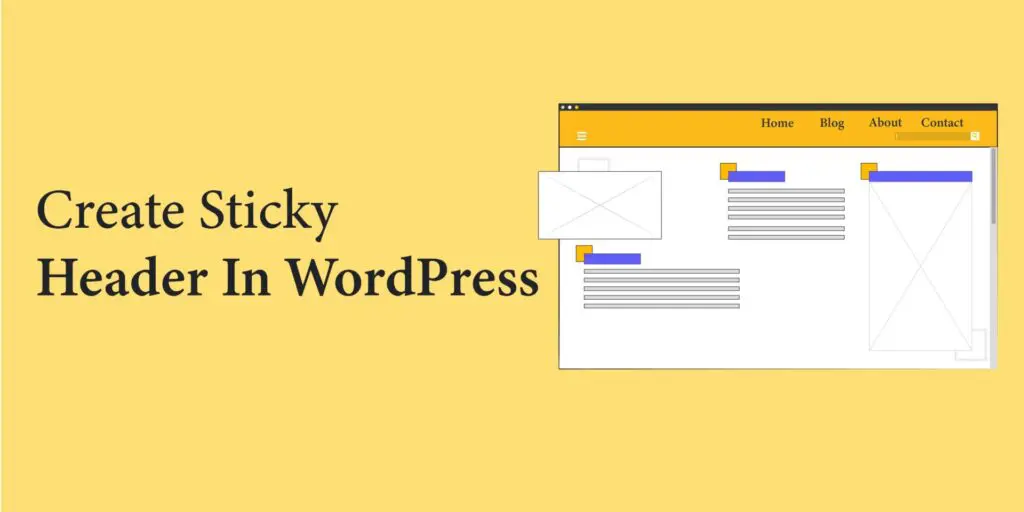
How to Create a Sticky Header in WordPress
Read more: How to Create a Sticky Header in WordPressIn WordPress 6.2+ we can create any block or section sticky while scrolling using Group Block. There is no need to add any plugin or script in site to achieve it. In this article we are going to see how we can make a Header section Sticky using Group Block. Note: Only “top level” Group…
Advantage
- Increased Engagement: Related posts encourage visitors to stay longer on your site by offering additional relevant content they might find interesting.
- Enhanced User Experience: They provide readers with more valuable information on topics they’re already interested in, improving their overall browsing experience.
- Improved SEO: Related posts can help improve your website’s SEO by increasing internal linking and keeping visitors engaged, which can lower bounce rates and increase session duration.
- Promotion of Older Content: They bring renewed attention to older articles or posts that might still be relevant, extending the lifespan of your content.
- Higher Conversion Rates: By keeping visitors on your site longer and providing them with relevant content, related posts can contribute to higher conversion rates as visitors become more familiar with your offerings.