
Introduction
A “related post” is an article suggested to readers on a website or blog based on its relevance to the current article. It aims to provide additional information or insights that could interest the reader and encourage them to explore more content on the site.
Examples:
Below are various scenarios where and how related post can be effectively employed:
Layout 1
-
How to Create a Website Using Site Builder in WordPress?
Read more: How to Create a Website Using Site Builder in WordPress?Create a Website Using Site Builder in WordPress today is an entirely new experience. It is quicker and easier to understand, and no coding is needed. You can create and launch a professional-looking website by yourself with no need for developers, old themes, or any hassle through built-in Site Builders and Full Site Editing (FSE).…
-
What is a Site Builder in WordPress?
Read more: What is a Site Builder in WordPress?The integration of technological advancements makes the process of creating websites easier than before. In WordPress, the use of site builders simplifies the process even more. But, what is a site builder in wordpress? In basic terms, a site builder is a tool within WordPress that has the capability of allowing users to create and…
-
Best Minimalist WordPress Themes to Build a Clean, and Modern Website
Read more: Best Minimalist WordPress Themes to Build a Clean, and Modern WebsiteSelecting the accurate best minimalist wordpress themes directly impacts on your site’s speed, better user experience and other SEO aspects. The theme that helps you to do the customizations everytime without relying on the developers. According to research conducted, websites that utilize minimalist themes have, on average, a 40% increase in loading speed as well…
Layout 2
-
Difference between WordPress.org & WordPress.com
Read more: Difference between WordPress.org & WordPress.comWordPress.org & WordPress.com are the rockstars among content management systems (CMS). Whether you want to start a blog, create an online store or build a stunning website, WordPress has got you covered. Moreover, an additional advantage is? It’s free and open-source software! However, it’s important to note that there are two sides to the WordPress coin: WordPress.com…
-
How to Create a Sticky Header in WordPress
Read more: How to Create a Sticky Header in WordPressIn WordPress 6.2+ we can create any block or section sticky while scrolling using Group Block. There is no need to add any plugin or script in site to achieve it. In this article we are going to see how we can make a Header section Sticky using Group Block. Note: Only “top level” Group…
-
Setup WordPress Locally Using MAMP
Read more: Setup WordPress Locally Using MAMPIf you want to setup WordPress locally using MAMP, then MAMP is an ideal free, open-source software solution which helps to do your tasks quickly. MAMP (short for Mac, Apache, MySQL, PHP) helps you to quickly create a local server environment on your operating system without any web host, and the best thing is there…
Layout 3
Layout 4
-
 Read more: Search Engine Positioning SEO – Dominate Rankings
Search engine positioning SEO is no longer just about ranking on Google, it’s about owning the digital shelf and capturing the attention of both human searchers and AI-powered algorithms. In 2026, the landscape has shifted dramatically. What worked five years ago is now obsolete, and what works today will require refinement tomorrow. Search engine positioning…
-
 Read more: Optimize Your SEO: Ultimate Schema Markup Generator Tools
In the ever-evolving landscape of search engine optimization (SEO), staying ahead of the curve is crucial for online success. One powerful tool that can significantly enhance your SEO efforts is the Schema Markup Generator. By implementing schema markup, you can provide search engines with detailed information about your content, leading to rich snippets and enhanced…
-
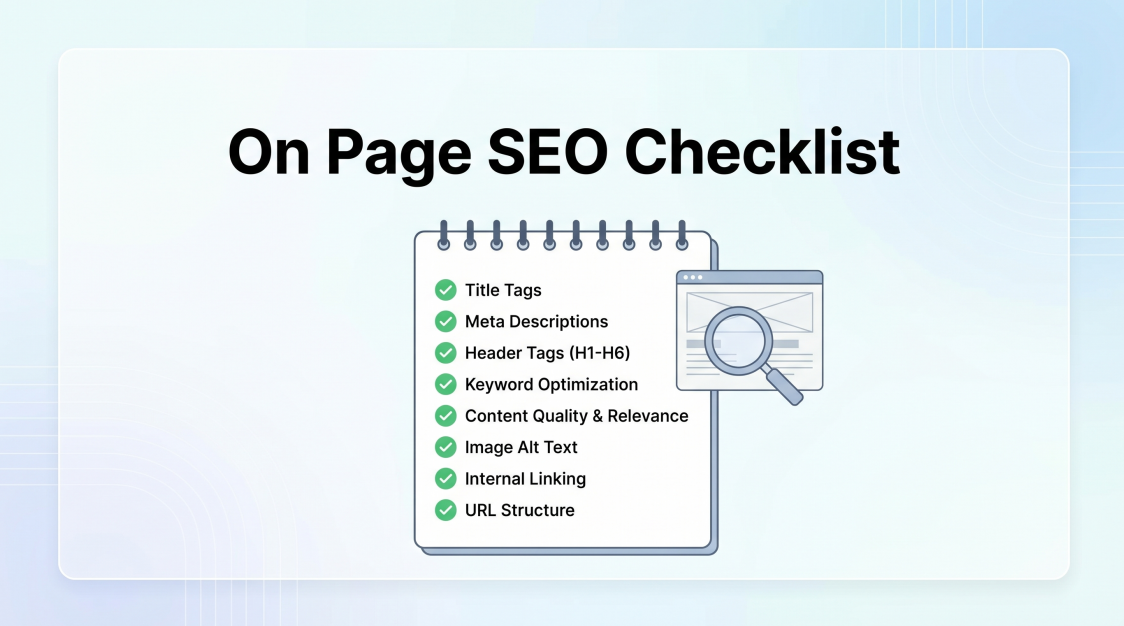 Read more: On Page SEO Checklist: Complete Guide to Ranking Higher
On page SEO Checklist is your single biggest lever for organic growth, and it’s entirely in your control. While off-page factors like backlinks require months of outreach, on-page improvements can move the needle within weeks. But in 2026, the rules have evolved. AI Overviews, zero-click searches, and Google’s smarter algorithms mean the old checklist of…
Layout 5
-
How can you create a Staging Site for WordPress?(4 easy steps)
Read more: How can you create a Staging Site for WordPress?(4 easy steps)Have you ever tried out something new like a new plugin or code snippet? After that, unfortunately, you didn’t find anything except a blank page. Then a staging site for WordPress is the best solution for this problem. I am sure you don’t want to take any risks during operating your WordPress site. Trying out…
-
How to Add a Block in WordPress
Read more: How to Add a Block in WordPressThe release of WordPress 5.0 brought many transformations, one of the most noticeable is the change of the old classic editor into a new block editor. This transition marked a fundamental shift in the way users create and manage content on WordPress. Gone are the days of relying solely on a single text field to…
-
How to Create a Multilingual Website on WordPress?
Read more: How to Create a Multilingual Website on WordPress?In today’s interconnected world, having a multilingual website can significantly expand your reach and engage a wider audience. Translating a WordPress site involves making the content of your website accessible to users in different languages. It allows you to reach a wider audience and engage with visitors from various regions. In this blog post, we…
Advantage
- Increased Engagement: Related posts encourage visitors to stay longer on your site by offering additional relevant content they might find interesting.
- Enhanced User Experience: They provide readers with more valuable information on topics they’re already interested in, improving their overall browsing experience.
- Improved SEO: Related posts can help improve your website’s SEO by increasing internal linking and keeping visitors engaged, which can lower bounce rates and increase session duration.
- Promotion of Older Content: They bring renewed attention to older articles or posts that might still be relevant, extending the lifespan of your content.
- Higher Conversion Rates: By keeping visitors on your site longer and providing them with relevant content, related posts can contribute to higher conversion rates as visitors become more familiar with your offerings.