
Introduction
A “related post” is an article suggested to readers on a website or blog based on its relevance to the current article. It aims to provide additional information or insights that could interest the reader and encourage them to explore more content on the site.
Examples:
Below are various scenarios where and how related post can be effectively employed:
Layout 1
-
How to Create a Restaurant Website Using WordPress?
Read more: How to Create a Restaurant Website Using WordPress?In this day and age, failing to establish an online presence means that your restaurant is missing out on revenue. Research conducted by UpMenu shows that more than 90% of restaurant visitors look for the establishment online before deciding to go there. Among those, over half check the website first. Your restaurant’s website serves as…
-
Top Website Design Trends 2025
Read more: Top Website Design Trends 2025We are in 2025, and website design trends are surprisingly different from how most industry experts predicted. Rather than playing it safe with sterile minimalism, personality, emotion, AI, and immersive interactivity take the forefront. Websites to be viewed as dynamic tools that engage users intellectually will utilize animated 3D elements, voice-responsive user interfaces (UIs), real-time…
-
Is WordPress Secure? What You Really Need to Know in 2025
Read more: Is WordPress Secure? What You Really Need to Know in 2025Is WordPress secure? Picture this: you wake up, log in to your laptop, and notice that your WordPress site is down. A hacker has now replaced your homepage with their message. Your traffic has vanished, and customer trust has taken a hit as well. All of this could have been avoided if a plugin had…
Layout 2
-

Amateur Blogging: Do’s & Don’ts of Starting Out, Tips for Success
Read more: Amateur Blogging: Do’s & Don’ts of Starting Out, Tips for SuccessAmateur blogging has undeniably become an immensely popular medium for self-expression, sharing knowledge, and building a community. Thanks to the rise of social media platforms, and easy-to-use blogging software, anyone can start a blog and share their thoughts with the world. Amateur blogging has become a popular trend among individuals who want to share their…
-
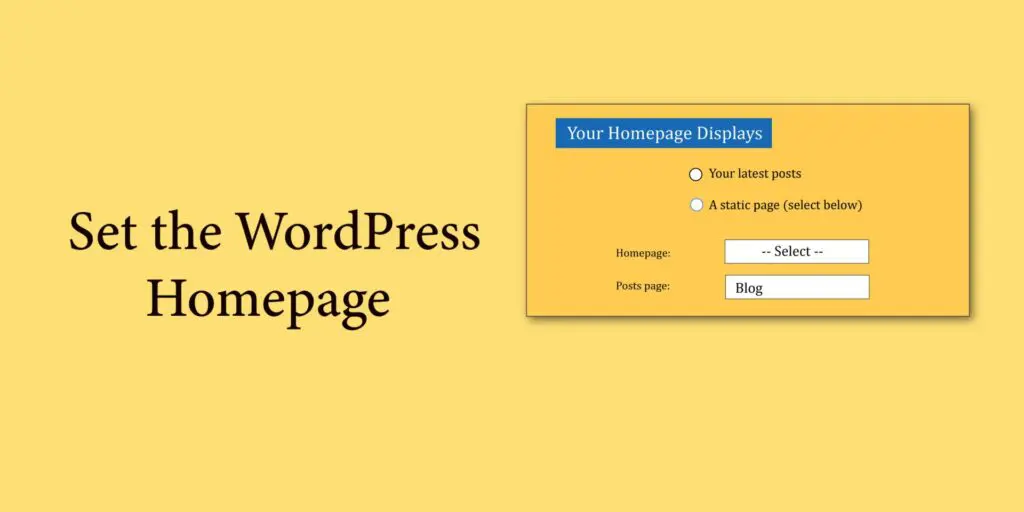
Set the WordPress Homepage (Front Page)
Read more: Set the WordPress Homepage (Front Page)Set the Homepage from Settings Set the WordPress Homepage drop-down to the -select- or default option if you prefer the Default Homepage. Choose the name of the published page from the Homepage drop-down if you wish to utilize a custom homepage. Click Save Changes at the bottom of the page after choosing your homepage. You…
-
What is WordPress? A Comprehensive Explanation
Read more: What is WordPress? A Comprehensive ExplanationWhat is WordPress? WordPress is one of the most amazing platforms out there for creating websites and blogs! It’s been around since 2003 and has since become the most popular CMS for websites. It is utilized by around 40% of all websites on the internet. That’s insane! The thing that really gets me excited about…
Layout 3
Layout 4
-
 Read more: Setup WordPress Locally Using MAMP
If you want to setup WordPress locally using MAMP, then MAMP is an ideal free, open-source software solution which helps to do your tasks quickly. MAMP (short for Mac, Apache, MySQL, PHP) helps you to quickly create a local server environment on your operating system without any web host, and the best thing is there…
-
 Read more: Set Up WordPress with Docker: A Comprehensive Guide
WordPress is a popular content management system (CMS) that powers a significant portion of websites on the internet. On the other hand, WordPress with Docker is an open-source platform that simplifies the process of creating, deploying, and managing applications using containers. Combining the two technologies allows developers to easily create a WordPress environment isolated from…
-
Read more: Set the WordPress Homepage (Front Page)
Set the Homepage from Settings Set the WordPress Homepage drop-down to the -select- or default option if you prefer the Default Homepage. Choose the name of the published page from the Homepage drop-down if you wish to utilize a custom homepage. Click Save Changes at the bottom of the page after choosing your homepage. You…
Layout 5
-
Difference between WordPress.org & WordPress.com
Read more: Difference between WordPress.org & WordPress.comWordPress.org & WordPress.com are the rockstars among content management systems (CMS). Whether you want to start a blog, create an online store or build a stunning website, WordPress has got you covered. Moreover, an additional advantage is? It’s free and open-source software! However, it’s important to note that there are two sides to the WordPress coin: WordPress.com…
-
Get the Best Domain Names with Lean Domain Search
Read more: Get the Best Domain Names with Lean Domain SearchIn the vast digital expanse, your domain name is your brand’s first impression. But how do you navigate the challenge of finding a unique and memorable online identity? Imagine a tool that streamlines the process of finding the ideal domain name, making it not just easy but enjoyable. Enter Lean Domain, which helps to get…
-
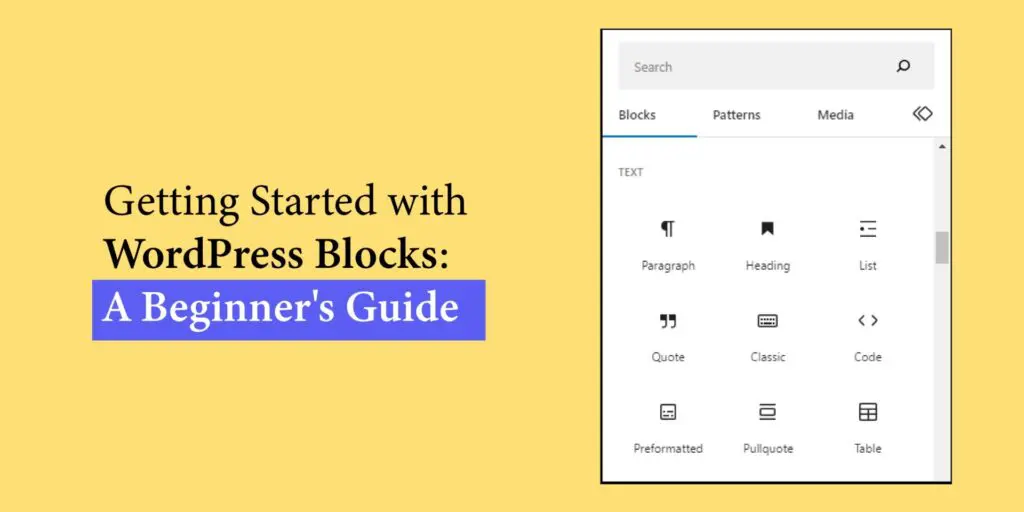
Getting Started with WordPress Blocks: A Beginner’s Guide
Read more: Getting Started with WordPress Blocks: A Beginner’s GuideHave you ever wondered how to create and customize your website’s content effortlessly? Well, In WordPress, there’s a game-changing feature called WordPress blocks that can revolutionize your web design experience. Each block is like a building block for your site, allowing you to effortlessly add and customize various elements such as text, images, videos, buttons,…
Advantage
- Increased Engagement: Related posts encourage visitors to stay longer on your site by offering additional relevant content they might find interesting.
- Enhanced User Experience: They provide readers with more valuable information on topics they’re already interested in, improving their overall browsing experience.
- Improved SEO: Related posts can help improve your website’s SEO by increasing internal linking and keeping visitors engaged, which can lower bounce rates and increase session duration.
- Promotion of Older Content: They bring renewed attention to older articles or posts that might still be relevant, extending the lifespan of your content.
- Higher Conversion Rates: By keeping visitors on your site longer and providing them with relevant content, related posts can contribute to higher conversion rates as visitors become more familiar with your offerings.