
Introduction
A “related post” is an article suggested to readers on a website or blog based on its relevance to the current article. It aims to provide additional information or insights that could interest the reader and encourage them to explore more content on the site.
Examples:
Below are various scenarios where and how related post can be effectively employed:
Layout 1
-
How to Create a Sticky Header in WordPress
Read more: How to Create a Sticky Header in WordPressIn WordPress 6.2+ we can create any block or section sticky while scrolling using Group Block. There is no need to add any plugin or script in site to achieve it. In this article we are going to see how we can make a Header section Sticky using Group Block. Note: Only “top level” Group…
-
Difference between WordPress.org & WordPress.com
Read more: Difference between WordPress.org & WordPress.comWordPress.org & WordPress.com are the rockstars among content management systems (CMS). Whether you want to start a blog, create an online store or build a stunning website, WordPress has got you covered. Moreover, an additional advantage is? It’s free and open-source software! However, it’s important to note that there are two sides to the WordPress coin: WordPress.com…
-
What is WordPress? A Comprehensive Explanation
Read more: What is WordPress? A Comprehensive ExplanationWhat is WordPress? WordPress is one of the most amazing platforms out there for creating websites and blogs! It’s been around since 2003 and has since become the most popular CMS for websites. It is utilized by around 40% of all websites on the internet. That’s insane! The thing that really gets me excited about…
Layout 2
-
What is a Site Builder in WordPress?
Read more: What is a Site Builder in WordPress?The integration of technological advancements makes the process of creating websites easier than before. In WordPress, the use of site builders simplifies the process even more. But, what is a site builder in wordpress? In basic terms, a site builder is a tool within WordPress that has the capability of allowing users to create and…
-
How to Create a Website Using Site Builder in WordPress?
Read more: How to Create a Website Using Site Builder in WordPress?Create a Website Using Site Builder in WordPress today is an entirely new experience. It is quicker and easier to understand, and no coding is needed. You can create and launch a professional-looking website by yourself with no need for developers, old themes, or any hassle through built-in Site Builders and Full Site Editing (FSE).…
-
Is WordPress Secure? What You Really Need to Know in 2025
Read more: Is WordPress Secure? What You Really Need to Know in 2025Is WordPress secure? Picture this: you wake up, log in to your laptop, and notice that your WordPress site is down. A hacker has now replaced your homepage with their message. Your traffic has vanished, and customer trust has taken a hit as well. All of this could have been avoided if a plugin had…
Layout 3
Layout 4
-
 Read more: How to Add a Block in WordPress
The release of WordPress 5.0 brought many transformations, one of the most noticeable is the change of the old classic editor into a new block editor. This transition marked a fundamental shift in the way users create and manage content on WordPress. Gone are the days of relying solely on a single text field to…
-
 Read more: How can you create a Staging Site for WordPress?(4 easy steps)
Have you ever tried out something new like a new plugin or code snippet? After that, unfortunately, you didn’t find anything except a blank page. Then a staging site for WordPress is the best solution for this problem. I am sure you don’t want to take any risks during operating your WordPress site. Trying out…
-
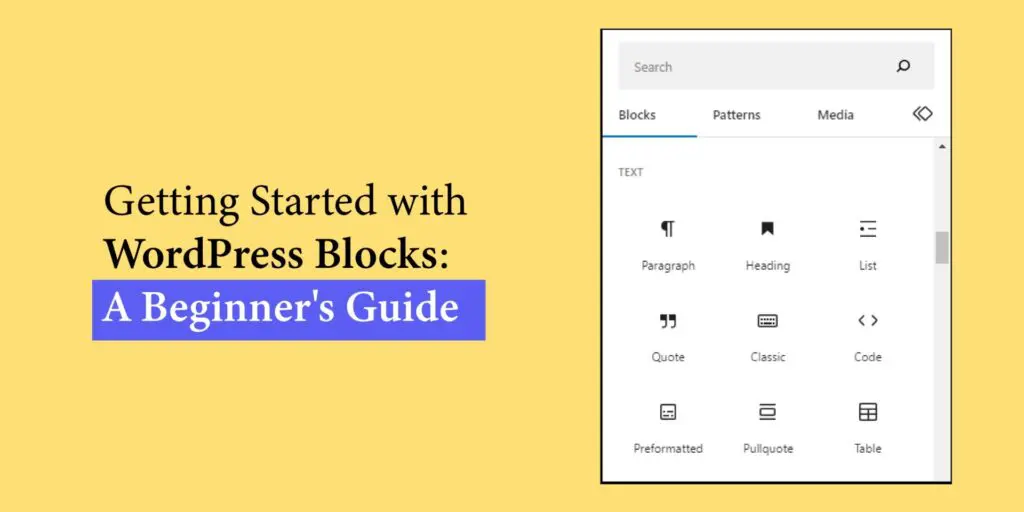 Read more: Getting Started with WordPress Blocks: A Beginner’s Guide
Have you ever wondered how to create and customize your website’s content effortlessly? Well, In WordPress, there’s a game-changing feature called WordPress blocks that can revolutionize your web design experience. Each block is like a building block for your site, allowing you to effortlessly add and customize various elements such as text, images, videos, buttons,…
Layout 5
-
Optimize Your SEO: Ultimate Schema Markup Generator Tools
Read more: Optimize Your SEO: Ultimate Schema Markup Generator ToolsIn the ever-evolving landscape of search engine optimization (SEO), staying ahead of the curve is crucial for online success. One powerful tool that can significantly enhance your SEO efforts is the Schema Markup Generator. By implementing schema markup, you can provide search engines with detailed information about your content, leading to rich snippets and enhanced…
-

Search Engine Positioning SEO – Dominate Rankings
Read more: Search Engine Positioning SEO – Dominate RankingsSearch engine positioning SEO is no longer just about ranking on Google, it’s about owning the digital shelf and capturing the attention of both human searchers and AI-powered algorithms. In 2026, the landscape has shifted dramatically. What worked five years ago is now obsolete, and what works today will require refinement tomorrow. Search engine positioning…
-
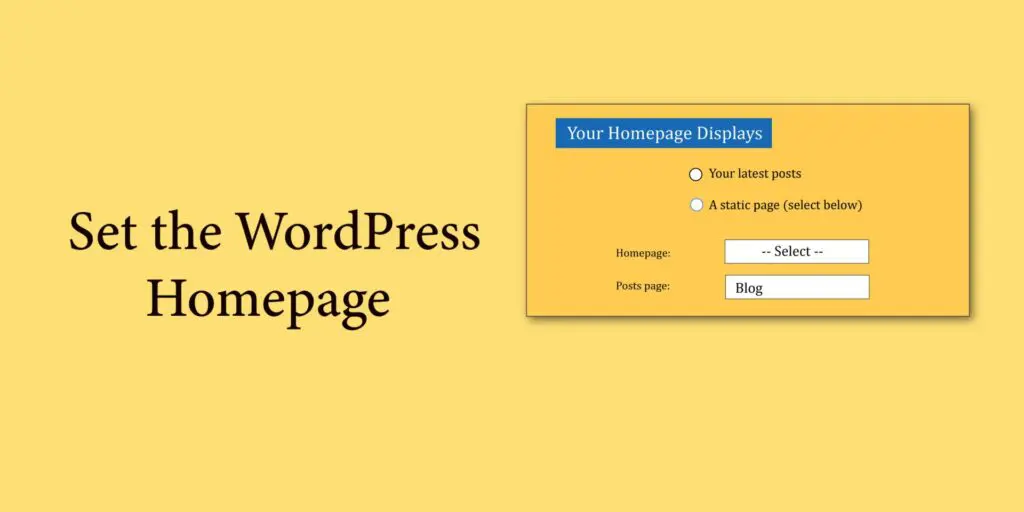
Set the WordPress Homepage (Front Page)
Read more: Set the WordPress Homepage (Front Page)Set the Homepage from Settings Set the WordPress Homepage drop-down to the -select- or default option if you prefer the Default Homepage. Choose the name of the published page from the Homepage drop-down if you wish to utilize a custom homepage. Click Save Changes at the bottom of the page after choosing your homepage. You…
Advantage
- Increased Engagement: Related posts encourage visitors to stay longer on your site by offering additional relevant content they might find interesting.
- Enhanced User Experience: They provide readers with more valuable information on topics they’re already interested in, improving their overall browsing experience.
- Improved SEO: Related posts can help improve your website’s SEO by increasing internal linking and keeping visitors engaged, which can lower bounce rates and increase session duration.
- Promotion of Older Content: They bring renewed attention to older articles or posts that might still be relevant, extending the lifespan of your content.
- Higher Conversion Rates: By keeping visitors on your site longer and providing them with relevant content, related posts can contribute to higher conversion rates as visitors become more familiar with your offerings.